Product - Pricing
Resources Partnership Contact
Digital Signage Made Easy with ViewSonic Displays
Deploy ViewSonic professional displays and manage them remotely through ScreenManager — no extra hardware required.
Set up in minutes, manage for years.







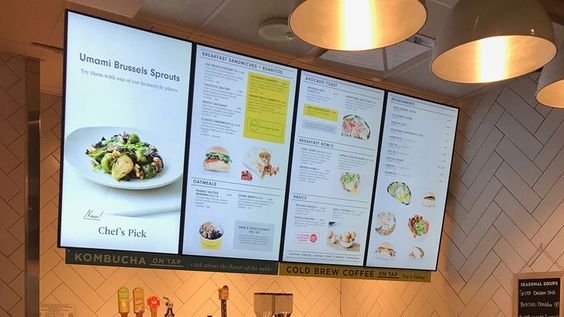


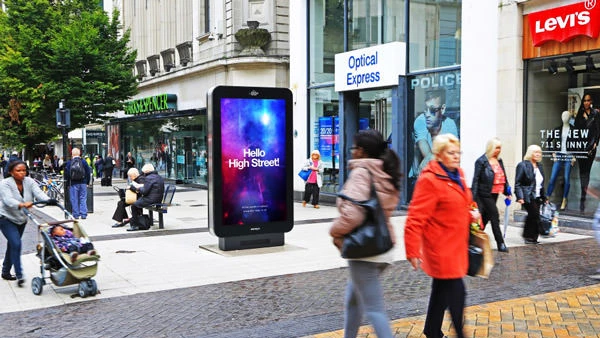
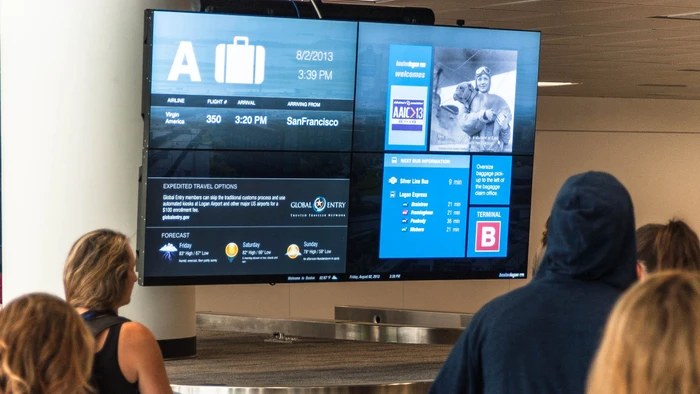
Easy Setup, Remote Management, and More
Why ScreenManager for ViewSonic Displays?
ViewSonic professional displays run on Android — which means ScreenManager installs and runs natively, with no extra media player, stick, or box required.
Deploy, scale, and manage your ViewSonic displays remotely from a single ScreenManager dashboard — no technical expertise needed.
Whether you run a single screen or hundreds across multiple locations, your ViewSonic displays stay ready for reliable 24/7 operation.
How to Set It Up
Setting up a ViewSonic display with ScreenManager takes just a few minutes. Follow our step-by-step documentation for the full walkthrough.
Manage Everything Remotely
Once set up, control all your ViewSonic displays from a single dashboard — no matter where they are.
Advanced Features
ScreenManager offers advanced features to get the most out of your ViewSonic professional displays.
Ready to transform your ViewSonic displays with ScreenManager?

- info@screenmanager.tech
- +420 604 487 886 (WhatsApp)
VAT: CZ08543682
Kurzova 2222/16 155 00
Prague, European Union